Heater and version
We identify built-in controls, external controls or a separate power unit.


Panels · power units · sensors
We select controls for the exact heater, output and safety arrangement. The complete package is checked before buying a panel or attempting remote start.
Compatibility
The panel, power unit, sensors and heater form one package. Even within a brand, different generations and versions may require different components and wiring arrangements.
We identify built-in controls, external controls or a separate power unit.
We check phase loads, voltage and permitted control-unit capacity.
We check type, length, installation position and temperature-protection compatibility.
Remote control requires attention to the door, safety device and manufacturer's control logic.
Three control levels
Simple local controls may be best for one sauna. Wi-Fi is useful only when the manufacturer system confirms safe readiness for start-up.
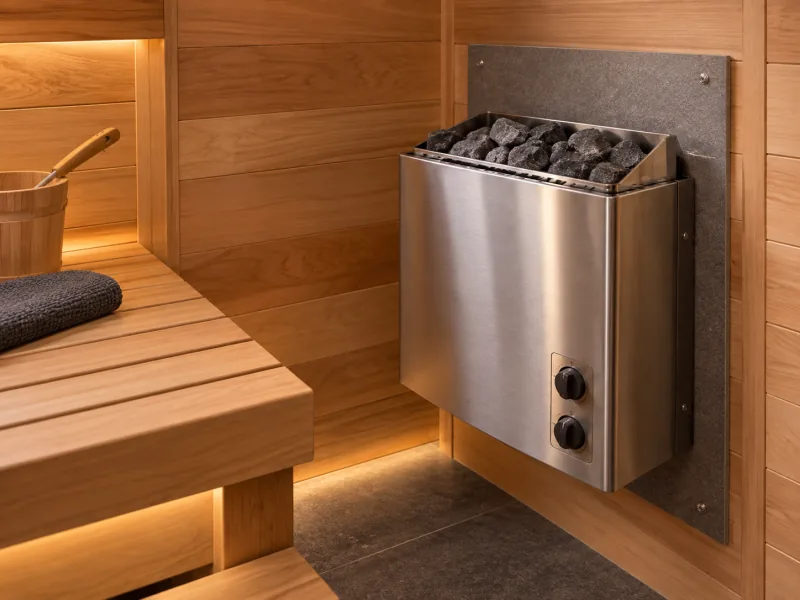
The timer and thermostat are on the heater body. Suitable when switches are easy to reach and remote start is unnecessary.
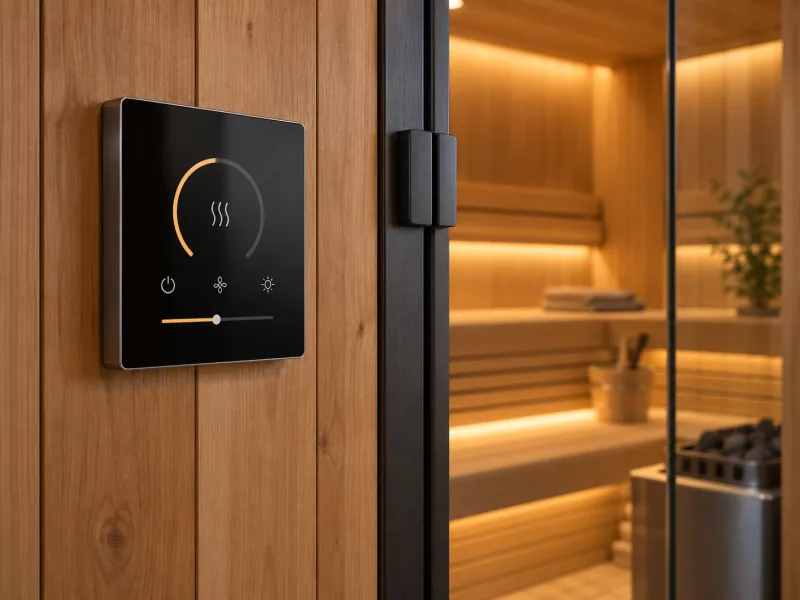
The panel is positioned as agreed, while power components and sensors are selected for the specific heater.
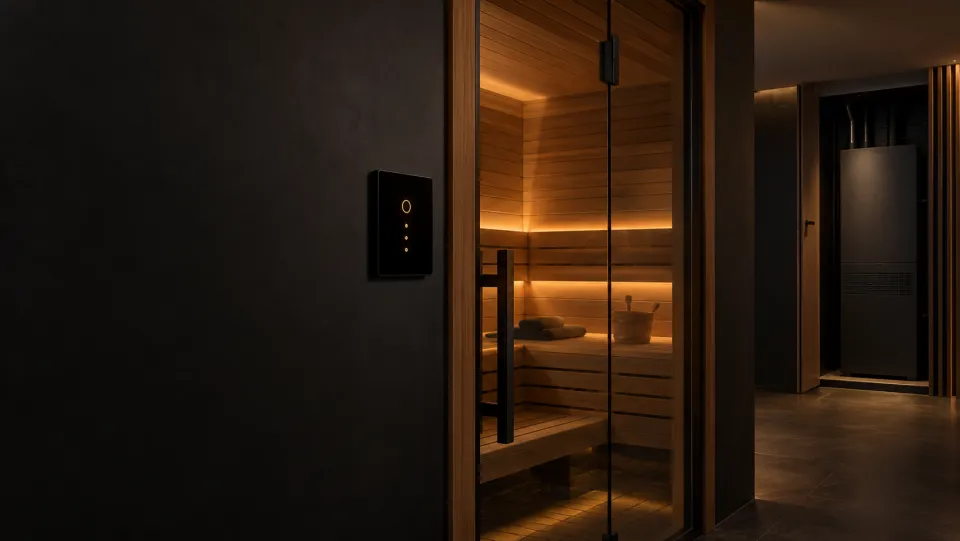
An app adds convenience but does not remove the door sensor or safety device required by the system.
Safe start-up
A remote command must pass through the specified control logic, sensors and safety conditions. Bypassing the power unit or overtemperature protection creates risks that a convenient app cannot solve.
System comparison
Specifications refer to exact Harvia SKUs. Supply status, sensor package and compatibility with your heater are confirmed before ordering.
| Parameter | C90 | Senlog CF9 | Xenio CX110XW | Xenio CX170XW |
|---|---|---|---|---|
| Usage scenario | Basic controlsFamily sauna | Manual controlsHeater or Combi | Wi-Fi and panelHome or professional property | Higher outputDomestic or commercial |
| Maximum output | 9 kW | 9 kW | 11 kW | 17 kW |
| Temperature | 40–110 °C | 40–110 °C | 40–110 °C | 40–110 °C |
| Control type | Manual switches | Manual switches | Xenio WiFi panel | Xenio WiFi panel |
| Remote access | No | No | MyHarvia WiFi | MyHarvia WiFi |
| Safe remote start | Not applicable | Not applicable | Door sensor / safety device | Door sensor / safety device |
| Source | Harvia ↗ | Harvia ↗ | Harvia ↗ | Harvia ↗ |
Maximum power-unit capacity alone does not confirm compatibility. Before installation, we check the heater SKU, manufacturer wiring, sensors and supplied contents.
Installation check
The panel is only the visible part. Errors in the power unit, sensor or cable route emerge after finishing and start-up.
Selected for output, phases, heater wiring and installation conditions in a dry technical area.
An additional power module is used only with a compatible arrangement.The temperature sensor and protection are installed at positions required by system instructions.
Moving a sensor for convenience can alter measurement and protection behavior.Power, control and sensor circuits are installed before final finishes to an agreed plan.
Cable type and cross-section depend on load and manufacturer requirements.Package contents
Before ordering, we separate the visible panel, power components, sensors, protection, cables and installation.
Frequently asked questions
No. Manufacturer, exact SKU, control version, wiring arrangement and compatible sensor package are needed.
Only if the manufacturer provides a compatible system or upgrade package for the specific platform.
No. It does not replace temperature control, overtemperature protection, a door sensor or safe remote-start logic.
In the location and conditions specified by the manufacturer, usually outside the hot area. Ventilation and diagnostic access are required.
Sometimes, but panel generation, unit and firmware compatibility must first be confirmed, and power or sensor faults ruled out.
Photos of the heater rating plate, panel, power unit and sensors; an overall connection diagram; and a description of the fault or desired function.
Available models
Compare output, connections and package contents. We will clarify your property's conditions and help choose a suitable model.
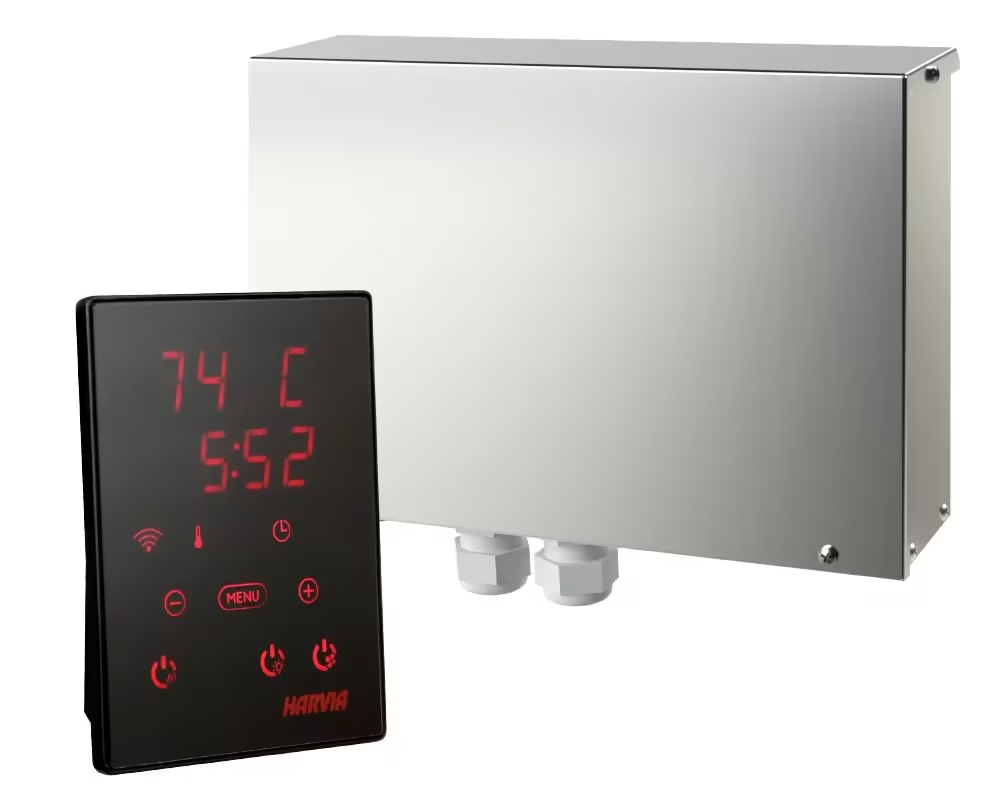
Panel and power unit for compatible electric heaters up to 11 kW.
Compatibility check
We first identify the platform and load, then request photos of rating plates and units so we do not suggest an incompatible panel.
Leave your contact details. We will clarify the heater model, task and information needed for checking.
By pressing the button, you agree to the processing of your contact details so we can respond to your inquiry.